All three are owned by the machine’s runtime, not by the window you opened them in.
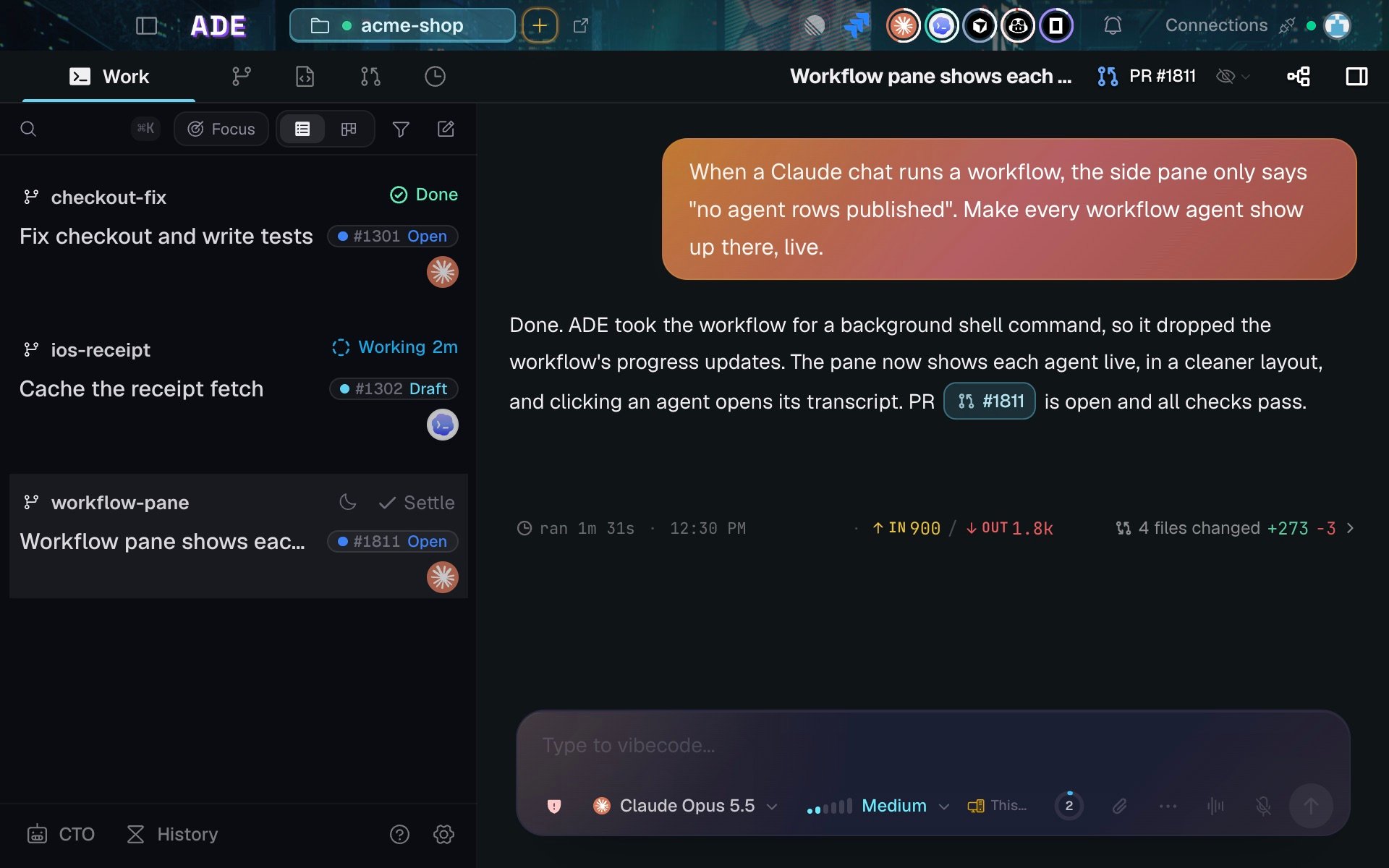
A Work session: the transcript, its diff summary, and the composer in one column.
What every session shows
A session row answers four questions at a glance: what it is doing, which lane it belongs to, how long it has been running, and what it needs from you. The same status follows the session to the phone and the terminal. Sessions can report two extra details about themselves:- A short note — a one-line summary of what the session is doing right now.
- An activity — planning, exploring, implementing, testing, debugging, reviewing, shipping, or monitoring.
Focus, and settling a chat
The Work sidebar opens with Focus on, on desktop and iOS: busy lanes fold away until they need you. Turn it off and it stays off. The Working, Snoozed, and Settled groups count chats, not lanes, and a chat nested under a parent chat is counted once. Settling a chat only files it out of the way. It stops nothing: background shells, subagents, cloud runs, scheduled wakes and crons keep running. A chat that is mid-turn cannot be settled, and any new turn (your message, a wake, a cron, a subagent reporting back, or a resume after a restart) takes the chat out of Settled. After an ADE restart a settled chat resumes like any other; an archived one does not.Background and scheduled work
Agent work does not have to happen while you watch. A chat can be launched in the background, and any chat runtime can schedule its own durable future work: a wake in ten minutes, a daily cron, or a re-check when CI finishes. Scheduled work is ADE-owned rather than provider-owned, so every provider uses the same scheduler and the same delivery path. Wake, cron, and background events stay visible in the transcript and in Chat Info.Scheduled work and automations
Event-triggered rules, webhooks, and durable scheduled resumes.
Closing a session
A session ends with a structured closeout: status, summary, artifacts, and any blocker, shown as a card in the transcript. Stopping a chat interrupts the turn; the transcript stays, and the chat can be resumed.Agent chat
The interactive surface: tool calls, diffs, approvals, questions.
Terminals
Shells in the lane, and how they relate to chats.