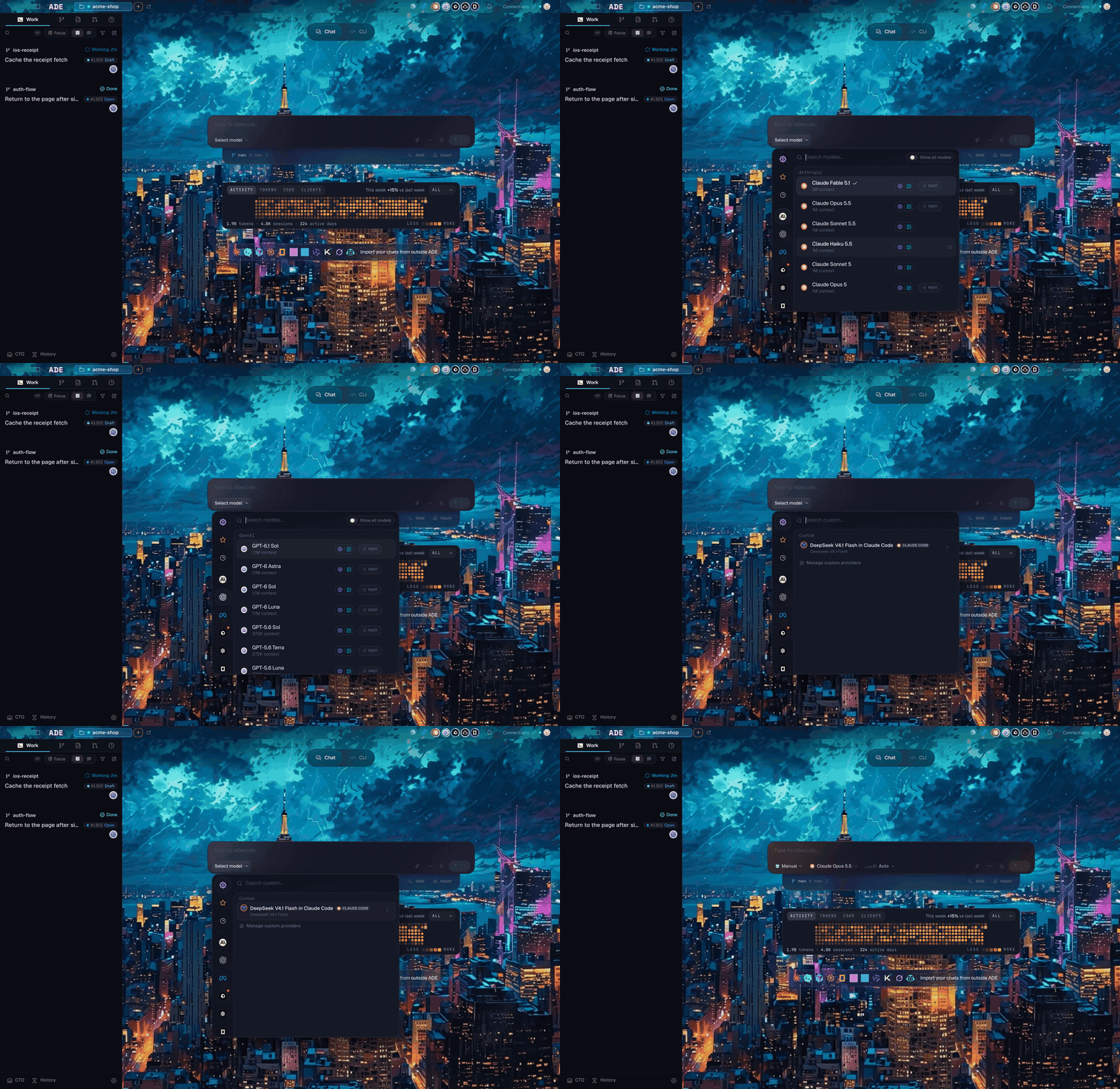
The Work tab: lanes on the left, the active chat and composer on the right.
1. Create a lane
A lane is ADE’s name for a git worktree: an isolated branch and working copy for one task. It keeps agent work out of your primary checkout, so you can run several tasks in parallel without colliding.Your repo root is already the primary lane — it always exists and is edit-protected. You don’t pick a “lane type”; you add a new worktree lane for the task, branched off your default branch.
1
Open Lanes
Choose Lanes from the sidebar.
2
Click New lane
Click the + above the lane list. Give it a short task name, like
add-health-endpoint or fix-login-copy.3
Pick the base branch
For your first lane, use your default branch — usually
main.4
Create
ADE creates a Git worktree under
.ade/worktrees/ and checks out a branch for the lane.Or let ADE create it
Describe a task in chat and ADE spins up a fresh worktree, auto-named from the task — no stashing, no context switch.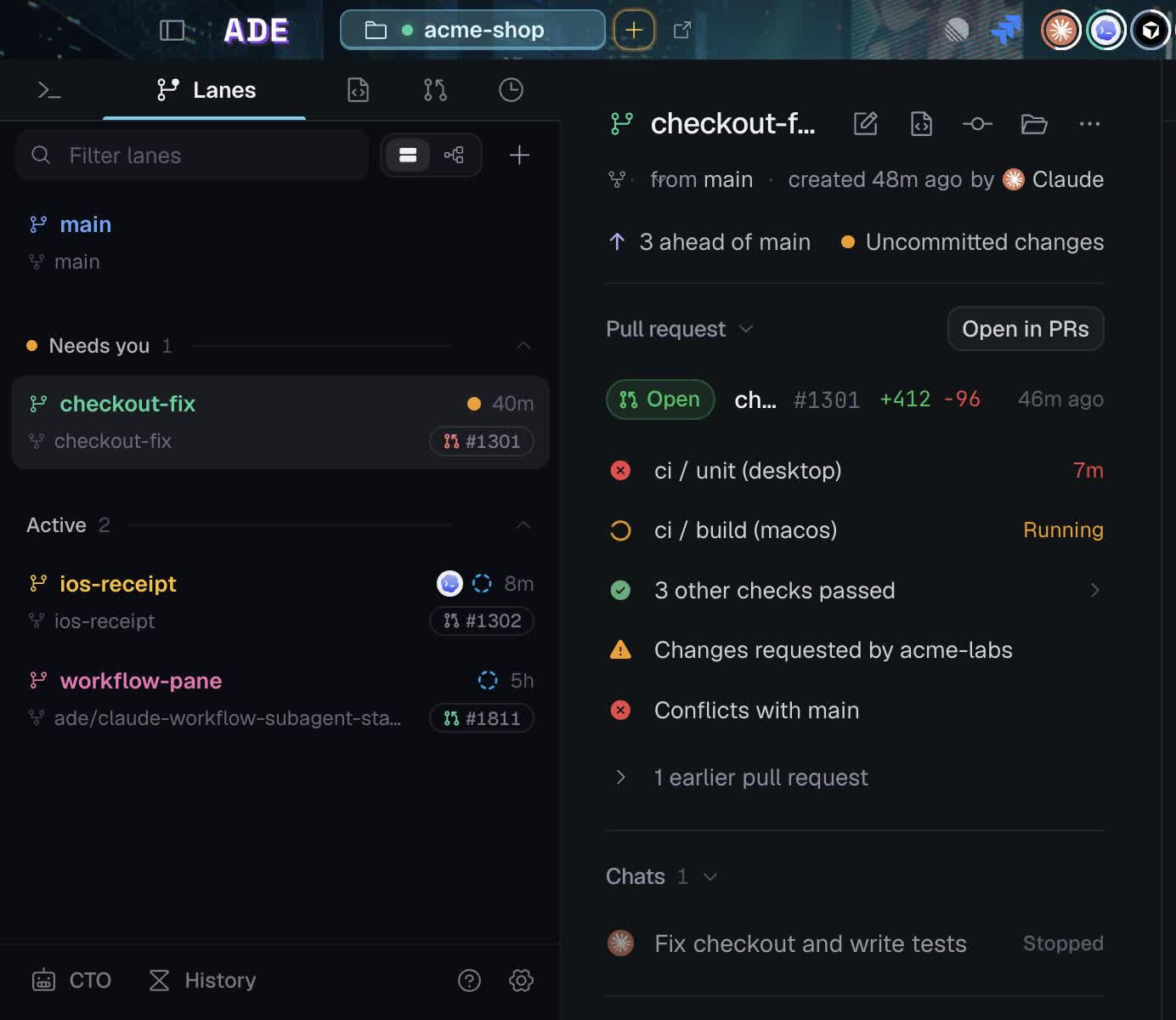
A lane with its branch, open PR, CI state, and the chat that produced it.
Good lane names
2. Start the chat
1
Open a new chat
In Work, start a new chat in your lane. You can also let ADE create the lane from the prompt.
2
Pick a provider and model
Use the default, or choose any connected provider from the model selector. Thirteen runtimes are supported; see Agents and models.
3
Send a narrow task
Ask for one contained change. Skip broad prompts like “clean up the whole app” for your first run.
3. Watch, review, and commit
The transcript streams reads, edits, shell commands, and test output as the agent works. Every tool call is expandable, so you can inspect each edit before you trust it. When the agent finishes:- Open Files and read the diff.
- Run the relevant checks from Run or the terminal.
- Read the closeout summary.
- Commit, or open a pull request if the change should be reviewed.
First prompt
If the agent gets stuck
Unstick a run
Unstick a run
- Press Stop and ask for a shorter plan.
- Paste the exact test or build error back into the chat.
- Switch to a stronger model for the session.
- Keep the task inside the lane — don’t move it to your primary checkout.
Agent chat
How chats, providers, and tool calls work.
Pull requests
Open a PR once the lane is ready.